
💡 WiseUp! Vol. 68 — GPT-5.5 in Ghostreader, Logos highlight imports
This week, we're sharing how to add your Logos highlights, and a great guide by Riley Brown on how to use the Readwise CLI to build creative briefs. We're also showing you how to use the Readwise MCP to bring your highlights, notes, and documents directly into AI tools.
On the app side, we've fixed Kindle email formatting and Twitter video on iOS. We've also added GPT-5.5 in the BYOK Ghostreader prompt model dropdown. Read on for all the details or check out our log of weekly improvements.
As a reminder, we're hiring for a Senior Staff Engineer! If you or someone you know might be a good fit (and loves reading), check out our posting here.
Before we get into the tips…
📍 Let's start with a reading recommendation
The Nobel-winning psychologist who believed he found the secret to happiness
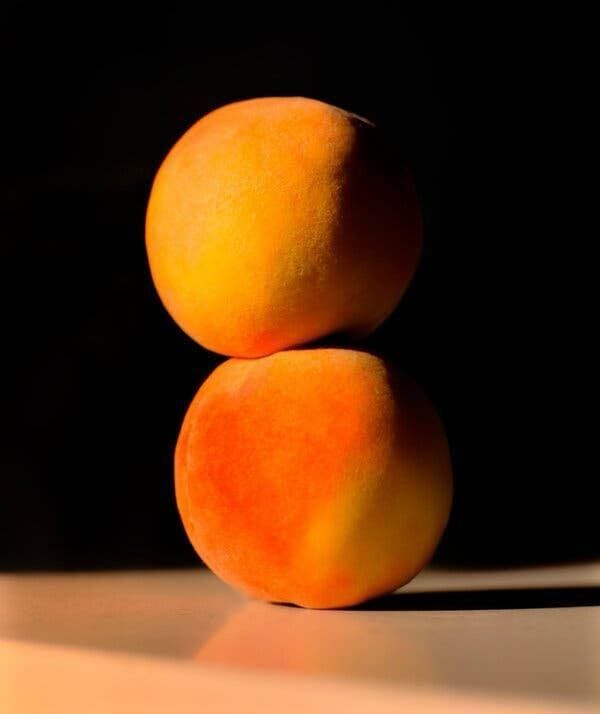
Editor Abi is sharing an honorable mention that didn't quite make the most-highlighted articles for last week’s Wisereads: David Epstein’s NYT piece on maximizers and satisficers. “Maximizers tend to be less satisfied with their decisions and their lives. They are typically less happy, more prone to regret and more likely to compare themselves endlessly with others. Satisficers don’t necessarily have low standards. Their standard is ‘good enough for me’ rather than ‘the best out there,’ and that makes it possible to feel satisfied with their choices, instead of haunted by the ones they didn’t make.”
David is most known for his book, Range. His new book, Inside the Box, is out now and it looks right up our alley.
From the support inbox
Have questions about using Readwise or Reader in your workflow? We'd love to be your guide! Reply to this email with your question and you might be featured in an upcoming issue. Even if your question isn’t featured, we’ll respond to every message.
❓ A Readwise question from Mike F:
Is there any way for me to get my Logos highlights into Readwise?
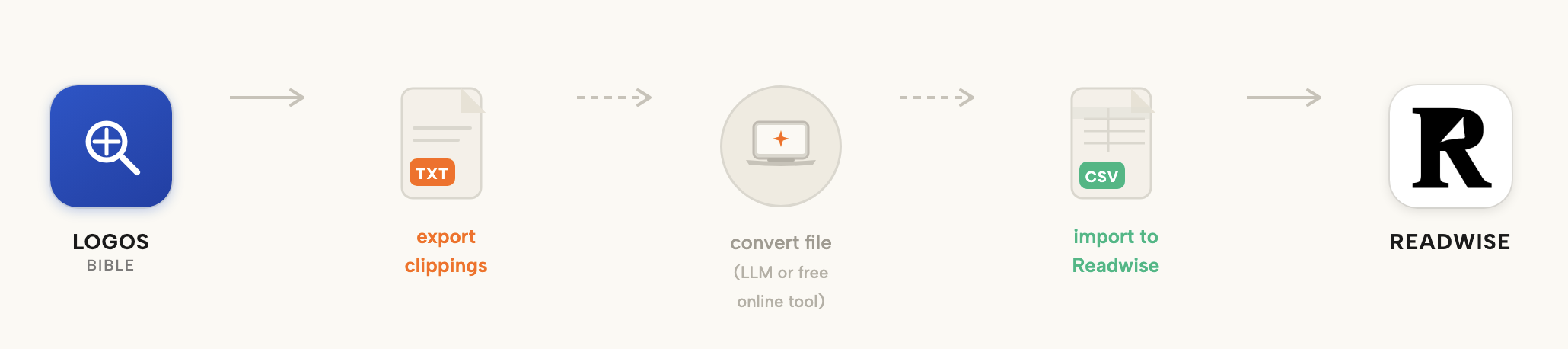
While we don’t currently have a native Logos integration, you can still bring your Logos highlights into Readwise using an export workaround. In Logos, click the clipping’s More Actions Menu icon and select Print/Export, then export your Clippings Document as a text-based file. From there, you can convert the file into CSV format using AI or a free online tool and import it into Readwise with our CSV Import tool. You can find the full Logos export instructions here.
❓ A Reader question from Demaine W:
Can I install the MCP without turning on the developer mode?
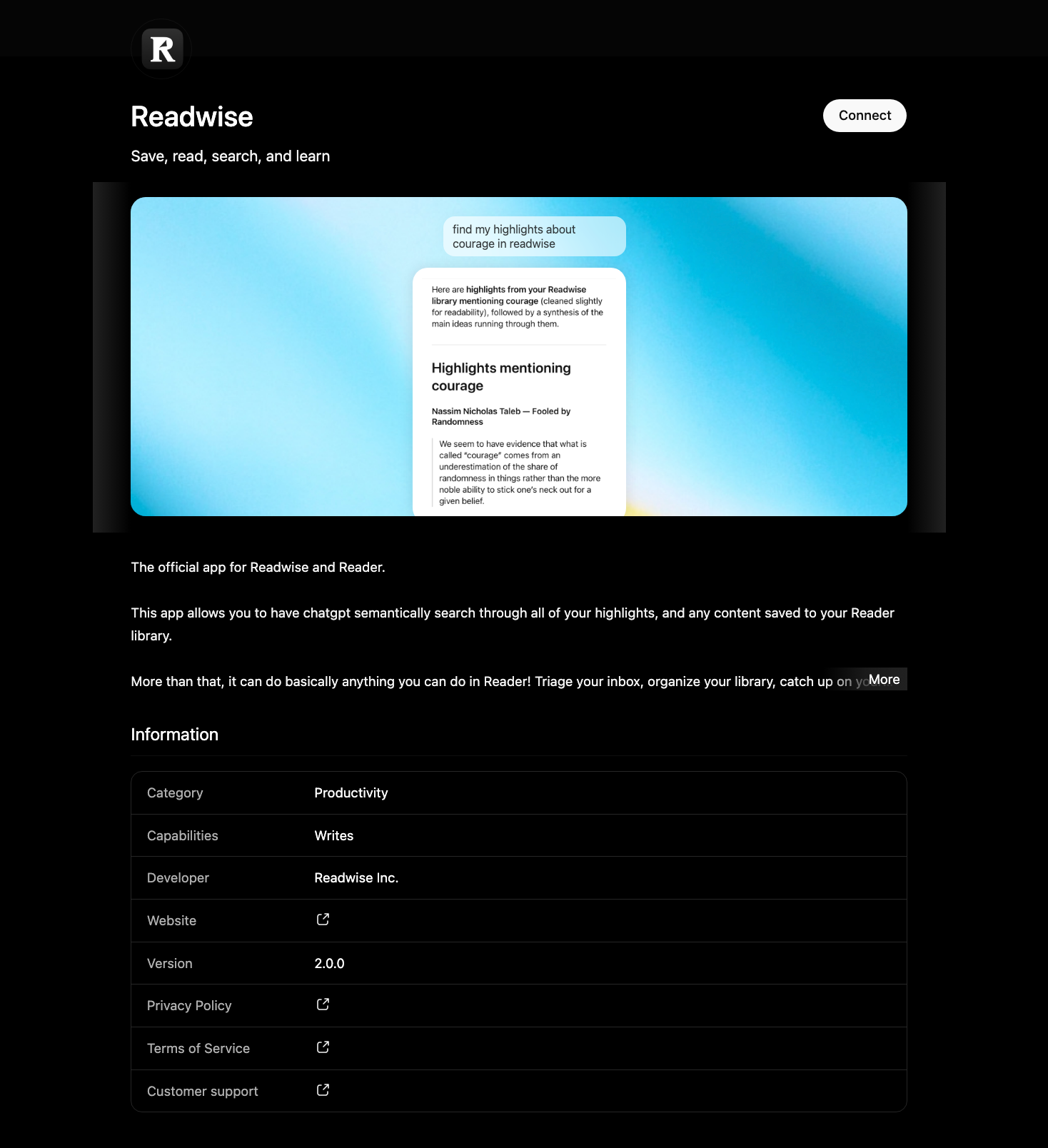
Use the Readwise MCP to bring your highlights, notes, and documents directly into AI tools like ChatGPT and Codex. The MCP is now available in both the ChatGPT and Codex app stores, so you can install it without turning on developer mode or handling any manual setup. Check out the docs below for more info on how to set this up.
📖 New help doc of the week
Connect Readwise directly to ChatGPT and Codex
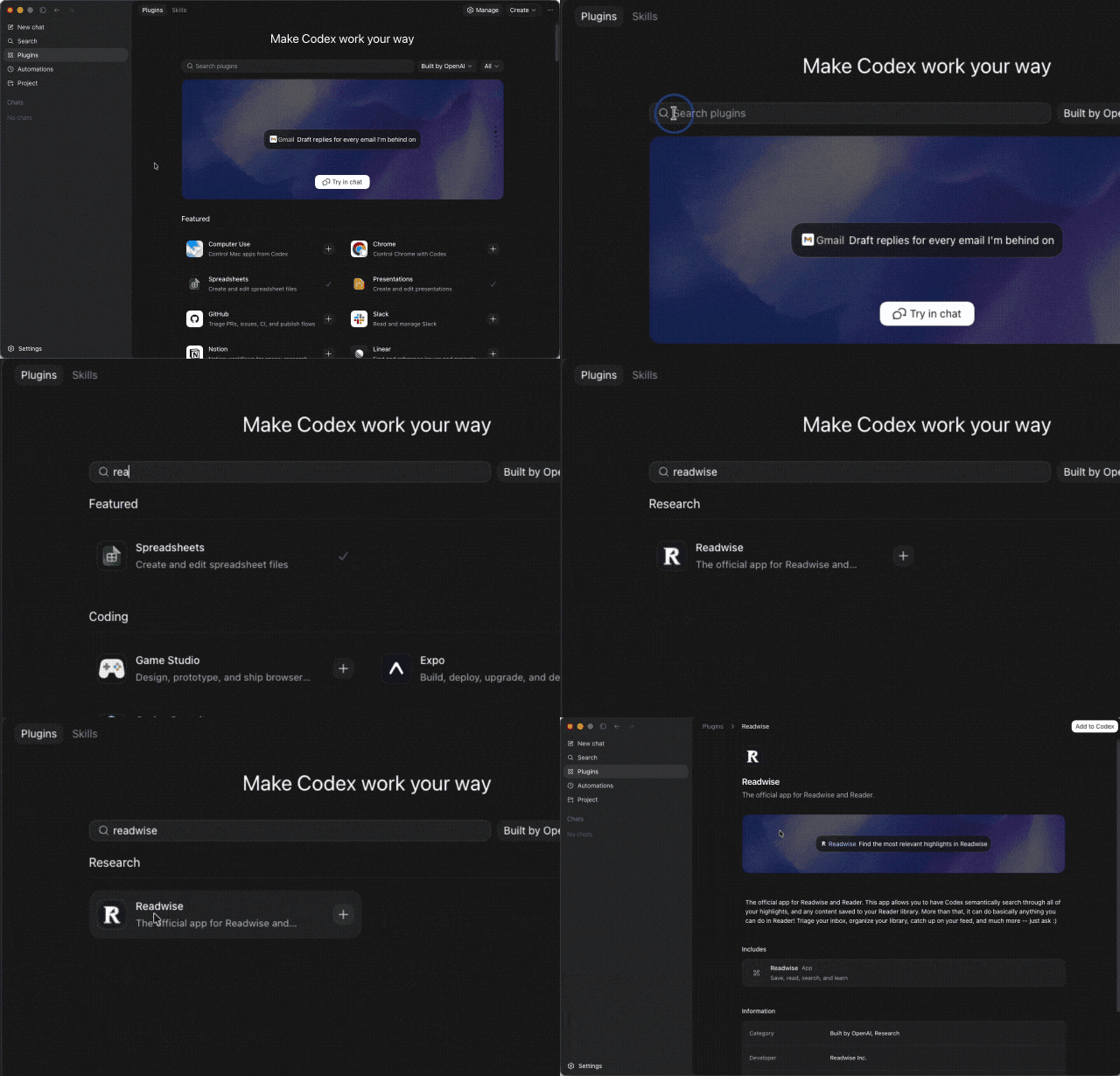
Readwise is now an official plugin for both ChatGPT and Codex, so connecting your Readwise highlights and Reader library to your AI workflow is smoother than ever. Cayla updated the docs with step-by-step instructions for finding and enabling the integration directly inside each app.
🎬 New video of the week
How Readwise can power your personal brand
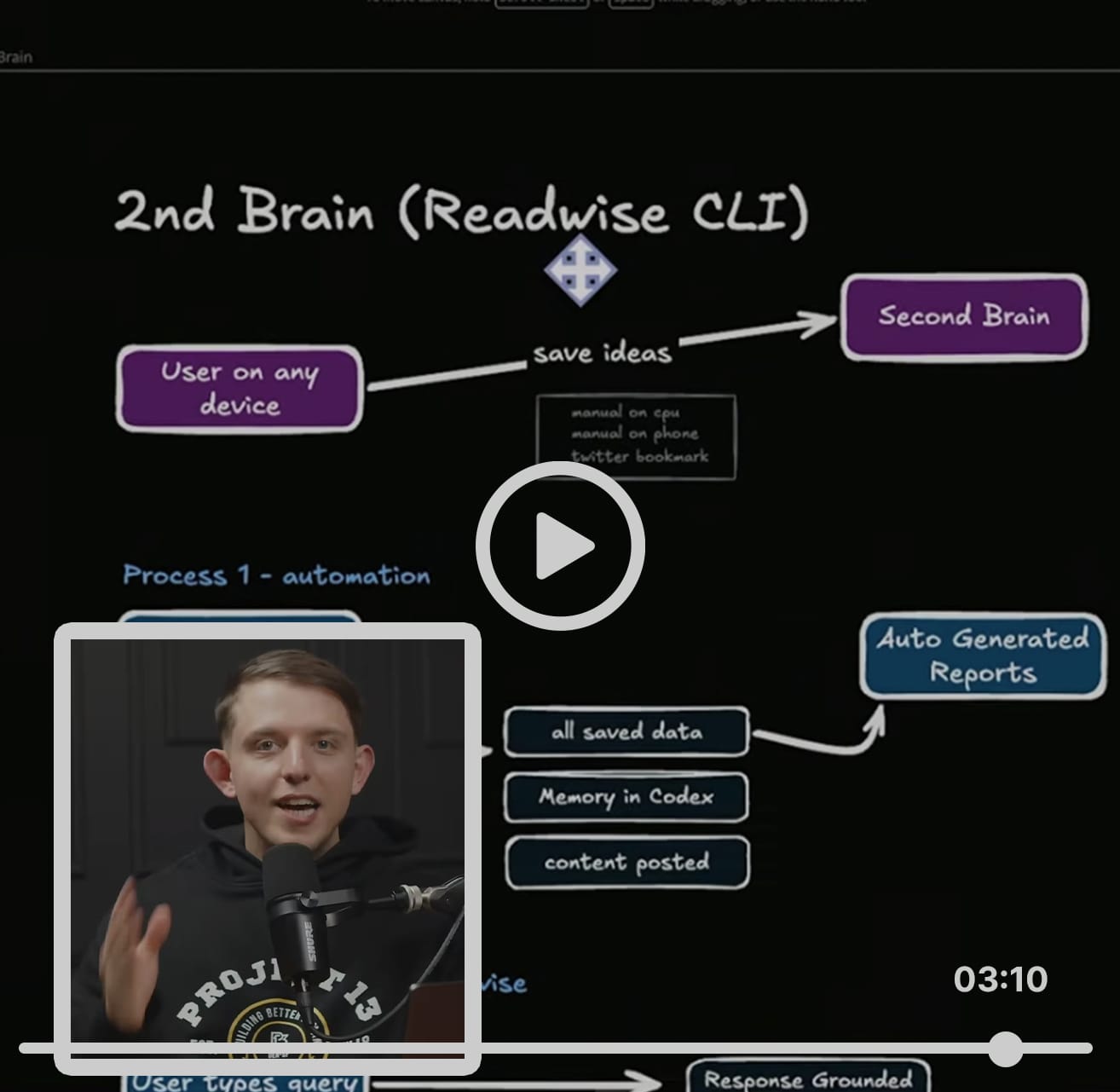
In his latest video, Riley Brown (cofounder of Vibecode) shares how he’s uses our new Readwise CLI to turn what he saves on Twitter into concrete creative briefs for his Tweets and videos.
📰 May 9 - May 15 updates
What's new in Reader and Readwise
🤖 NEW! GPT-5.5 in BYOK Ghostreader — Thanks to Ibai, you can now select GPT-5.5 in the Bring-Your-Own-Key Ghostreader prompt model dropdown. If you've added your own OpenAI key in the integrations settings, you can now use 5.5 for your preset prompts.
📓 Improved OneNote Account Selection — Rasul updated the OneNote export so users with multiple Microsoft accounts that share a displayed username can pick and keep the right one. The settings page now uses Microsoft's stable account identifiers, disambiguates duplicate account labels in the dropdown, and stops resetting your choice to the first cached account on every load.
📨 Fixed Feed Email Attachments — Rasul fixed a bug where emailing a PDF or EPUB to your Reader email address discarded the email body. Attachments and the email body now arrive as separate Reader items, and they both land in your Feed or your Library (depending which address the email is sent to).
💎 Improved Obsidian Expired-Account Messaging — Rasul made the Obsidian sync API return an informative response when your Readwise account has expired instead of a plain 403 Forbidden error. The Obsidian plugin will now surface a clear renewal prompt with the right upgrade link instead of a confusing generic error.
📖 Fixed Kindle Email Formatting — Rasul fixed a bug where Reader Digest and other emails sent to Kindle were keeping the original email's complex HTML instead of the simplified clean view you see in Reader. Emails on your Kindle now match what you read in Reader.
📑 Fixed Mixed-Language Kindle Clippings — Rasul fixed a crash importing Kindle My Clippings.txt files with Russian metadata that used Roman-numeral page values like xvii. These imports now process all the way through instead of bailing partway.
🧩 Fixed Highlighter Extension Storage Errors — Adam fixed an error with the browser highlighter extension that was unnecessarily filling up the local storage and may have caused some performance issues, especially for Firefox users.
⚡ Improved Wisereads RSS Feed Performance — Tristan cached the wisereads.readwise.io RSS feed to prevent every request rebuilding the entire issue history from scratch and potentially causing outages during high traffic times. The feed now serves snappily and the site is much more resilient to traffic spikes.
🎬 Fixed Twitter Video on iOS — Krzys fixed an iOS bug where the first tap on a Twitter video in Reader did nothing, requiring a pause-then-play to unblock it. Videos now start on the first tap on iOS, matching the behavior on every other platform.
🛜 Parsing Updates — Krzys improved how Reader handles posts from Medium and Substack. He also tidied up email rendering across sources: empty figures and buttons are stripped instead of leaving blank boxes, neighboring icons display inline, and the prev/next tag now sits in the right place.
👍 Three featured finds from the team
From Principal Designer Kris
Something to read 📖
Kris enjoyed The Art of Clear Thinking by Hasard Lee, an F-16 fighter pilot's guide to making sharp decisions when everything's moving fast. One idea that stuck with Kris: The best use of your attention is almost always the next decision. Not the last mistake. Not the worry three steps ahead. Just the one in front of you. Lee shows how fighter pilots train this as a reflex, and how you can apply it to your everyday work and life, one decision at a time.
Something to focus 🍊
Kris keeps a few cans of Neutonic around for the mid-morning stretch when he wants a little extra boost. It has a great ratio of caffeine and L-theanine, and the flavors are surprisingly good. Wild Citrus is the favorite, with Orange Sunrise a close second.
Something to unwind 🎻
Kris is on heavy evening rotation with the Mello Cello playlist on Spotify. There's something about cello: moody, slightly energizing, ultimately soothing. The first track is Yo-Yo Ma's recording of Bach's Cello Suite No. 1, which is a banger. He puts it on while wrangling kids to bed and finishing the evening dishes, and it doubles as a great soundtrack for thinking time.
💬 From the Readwise group chat
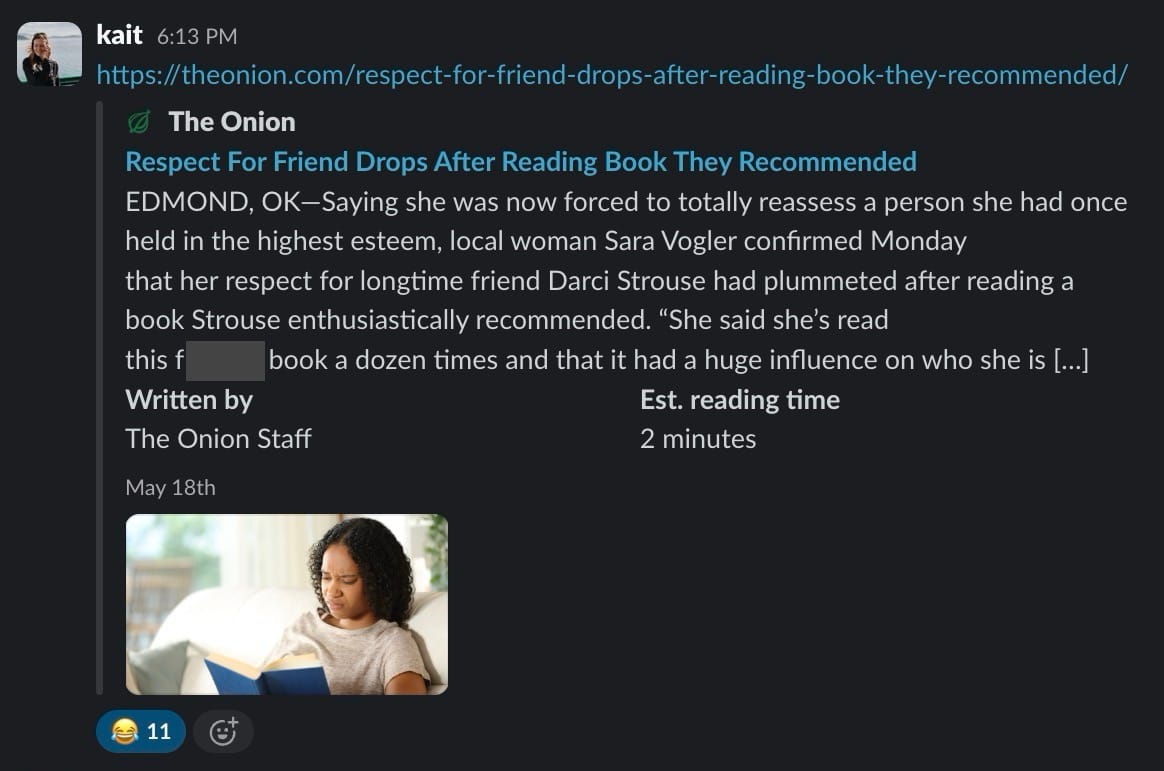
Good friends, bad recs
Nothing tests loyalty like finishing a terrible book because you're not ready to accept that your friend has bad taste.
Warmly,
the Readwise customer support team