
💡 WiseUp! Vol. 47 — The Holiday Edition: 12 reading ideas for 2026
Are you ready to make 2026 a year of deep intellectual stimulation, development, and fulfillment? This week, we're featuring Sam Rinko's 12 reading ideas for the upcoming year to change how, and what you read, too!
On the app side, we've announced Reader on iPads, something a long-requested feature from our Reddit community. We’ve also updated the Twitter integration and improved navigation in Ghostreader. Read on for all the details or check out our log of weekly improvements.
Before we get into the tips…
📍 Let's start with a reading recommendation
12 reading ideas for 2026
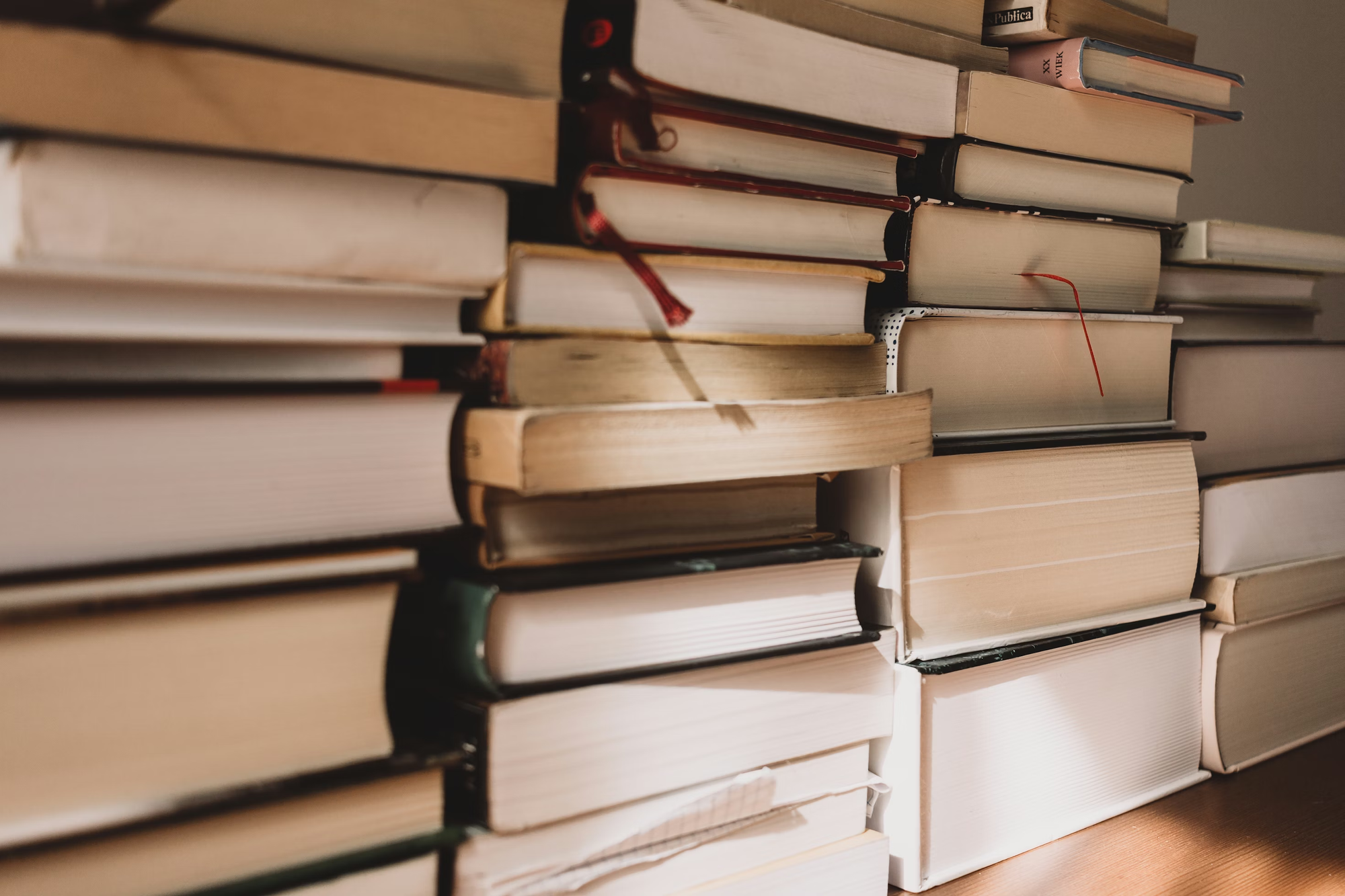
As 2025 wraps up, we’re looking ahead to next year’s reading goals. If you’re looking for ideas, Sam Rinko’s Knowledge Lust is a great place to start. One approach: Become a disciple of a writer you admire. “Over the last year, I have read three long novels by John Irving. I’ve also read some of his interviews and seen some criticism of his works. As a result, his philosophy of life is clear to me… Since he is wiser and more observant than me in many areas of life, his frame of seeing is useful to me. It allows me to see more than I could without the pair of glasses he’s gifted me.”
From the support inbox
Have questions about using Readwise or Reader in your workflow? We'd love to be your guide! Reply to this email with your question and you might be featured in an upcoming issue. Even if your question isn’t featured, we’ll respond to every message.
❓ A Readwise question from Samuel U:
What are the bonus highlights at the end of my Daily Review?
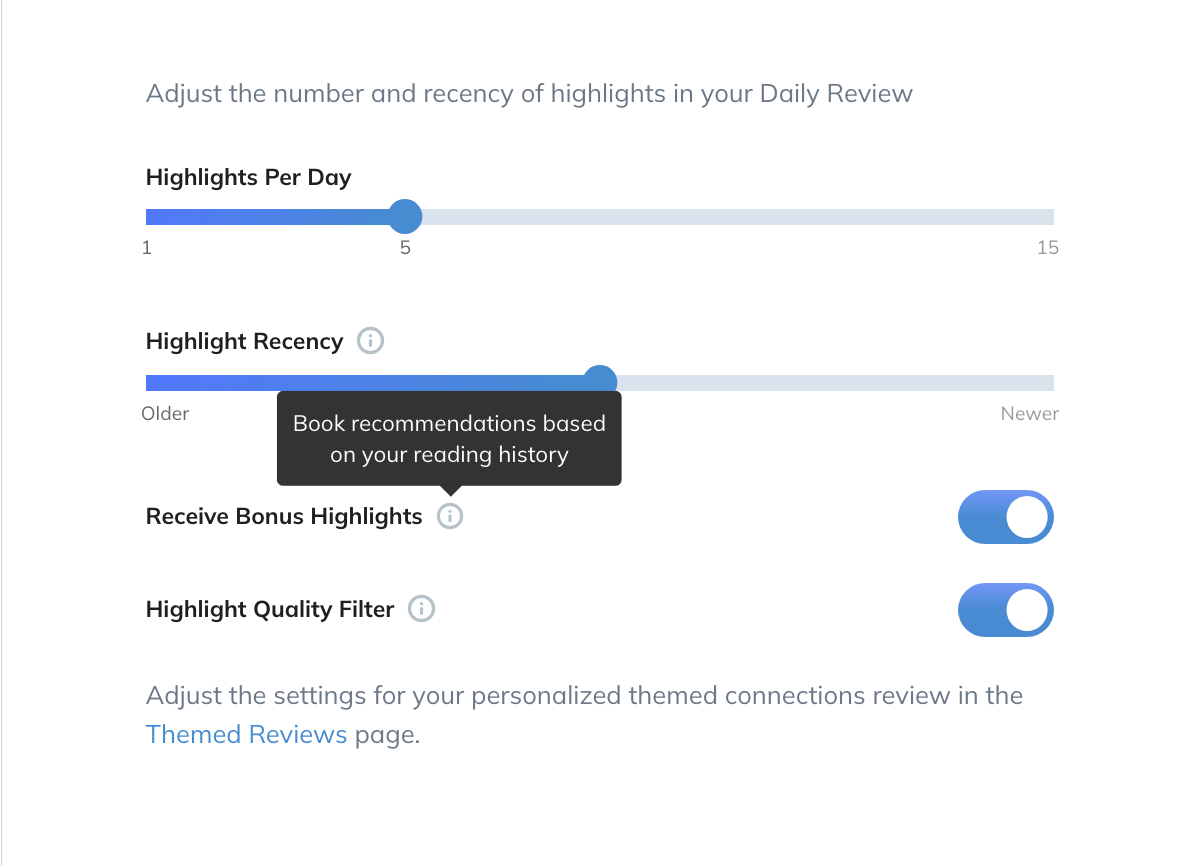
Find your next good read without having to search for it. The Bonus Highlight at the end of most Daily Reviews shares a passage from a book chosen using your own highlights. On days when a Readwise tip is due for review, the Daily Review will show either the tip or the Bonus Highlight. You can turn off Readwise tips by tuning down the How to Use Readwise book to Never. The bonus highlights feature can be disabled at any time in Review Settings.
❓ A Reader question from Anirudh M:
How do you handle highlights in PDFs that span across pages?
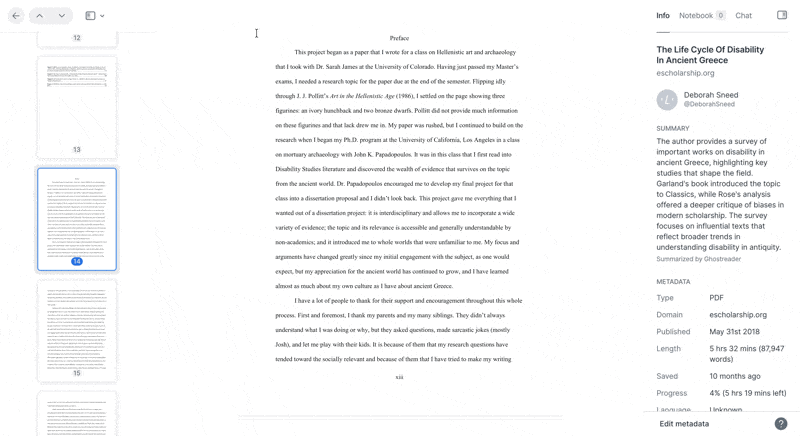
To give you more control over how your notes come together, you have two options depending on what you prefer. You can keep the PDF in original mode and connect highlights using the concatenation feature when exporting to Readwise. Or you can switch to Enriched Text, which removes page breaks so you can highlight more seamlessly across the document.
📖 New help doc of the week
View your document in two columns on a tablet

With the new horizontal pagination feature, you can now view the text of your document in two side-by-side columns, like the two facing pages of a real book. This option is available on tablet-sized devices in landscape orientation. Check out Cayla’s new documentation to learn how to use the feature, and to get a pro tip on how to use another appearance setting to make your reading experience a little more book-like!
🎬 New video of the week
We’ve made some changes

We heard the same feedback for years: Reader on iPads and tablets felt like a stretched-out phone app. But this is no longer the case! We just shipped three massive (and many small) updates that will make your tablet reading experiencing more delightful. See them in action here.
📰 Dec 13 - Dec 19 updates
What's new in Reader and Readwise
🐦 Improved Twitter Integration — If you have Save Single Tweets toggled on in your Reader settings, bookmarks will now save to Reader. Rasul also fixed an edge case preventing reconnection with Twitter accounts after deactivating and reactivating with the same handle.
👻 Improved Ghostreader Navigation — Ibai improved the behavior of hyperlinks in Ghostreader chats, so they should be less likely to switch between enhanced and regular views.
🦢 Fixed White Screens — Adam fixed a bug where documents could get stuck on a white screen. Piotr fixed a bug where the ChatGPT Copilot extension would fail to load when using the System default or Light theme.
🕺 Fixed Move API — Rasul fixed a bug where the last_moved_at field wasn't updating when documents moved between locations via the API.
🔀 Fixed Medium Import — Ibai fixed an issue where Medium highlights weren't syncing to Readwise when highlight batches were too large. We now handle Medium’s rate limits more smoothly.
💾 Improved CSV Import — Rasul improved the CSV import feature so you now get clearer instructions if the file format needs adjustment.
🔤 Improved Kindle Formatting — Rasul fixed an issue where some email newsletters had enlarged fonts when sent to Kindle. He also fixed a rare bug where certain Kindle highlights files would run into parsing issues when being imported to Readwise.
🍻 Fixed Extra Toasts — Ibai fixed a glitch with Chat with Highlights where selecting a chat message or the header of a reply caused a toast notification to be shown.
🛜 Parsing Updates — Krzys made improvements to how Reader handles posts from nytimes.com, medium.com, lesswrong.com, and arstechnica.com.
🎄 A Gift Guide for Serious Readers
From the CX team
Something to read on Christmas 📖
Is there a voracious reader in your life? Help them take their reading to the next level! You can choose between 3, 6, or 12 months of Readwise. They'll love it as much as you (hopefully) do.
Something to protect your devices 🛡️
Are you considering an e-ink device but not quite ready to make the switch? Community manager Erin just got this matte screen protector for her iPad. Combined with a few color setting tweaks, it gives her screen a paper-like, eink look.
Something to customize your books 📚
Get this book embosser for the readers in your life who love recommending and lending books but rarely see them again.
💬 From the Readwise group chat
The sillier the joke...
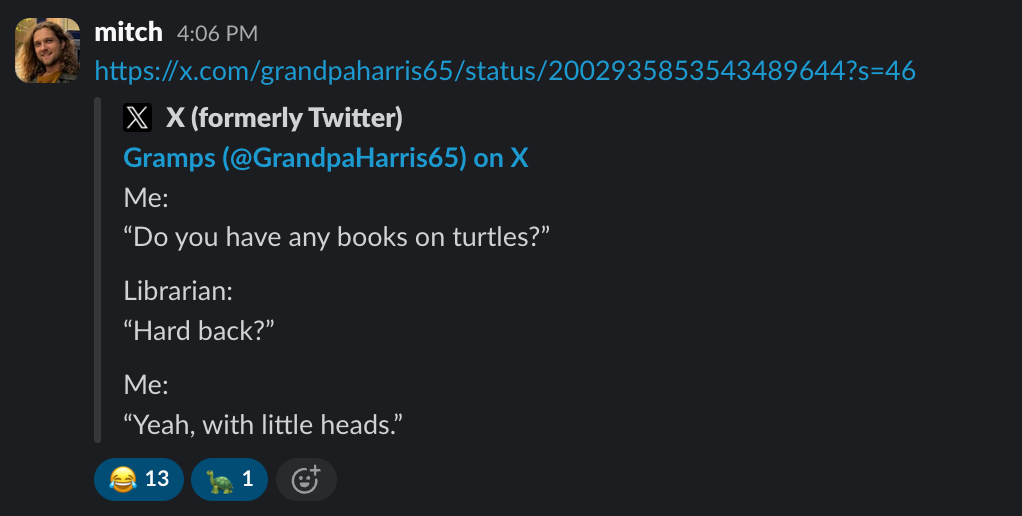
Sometimes, all it takes to make us laugh is a book pun... and dumb turtle jokes. A bit on the wholesome side, feel free to steal this one for the holidays 😉
🎄 And on a final note, we hope you enjoy the holidays with your loved ones... or with a lovely book in hand.
Warmly,
the Readwise customer support team